
Blessings
With love and blessings
Noah's Baptism
Sunday, April 26 · 10:30 AM
Riverside Chapel
A pale blue dove in flight, gentle water ripples and tiny blush blossoms — an airy watercolor invitation for a baptism day.
Make yours in the Inviti AI app for iPhone.

Point your iPhone camera at the code, then tap the link to open Inviti AI in the App Store.
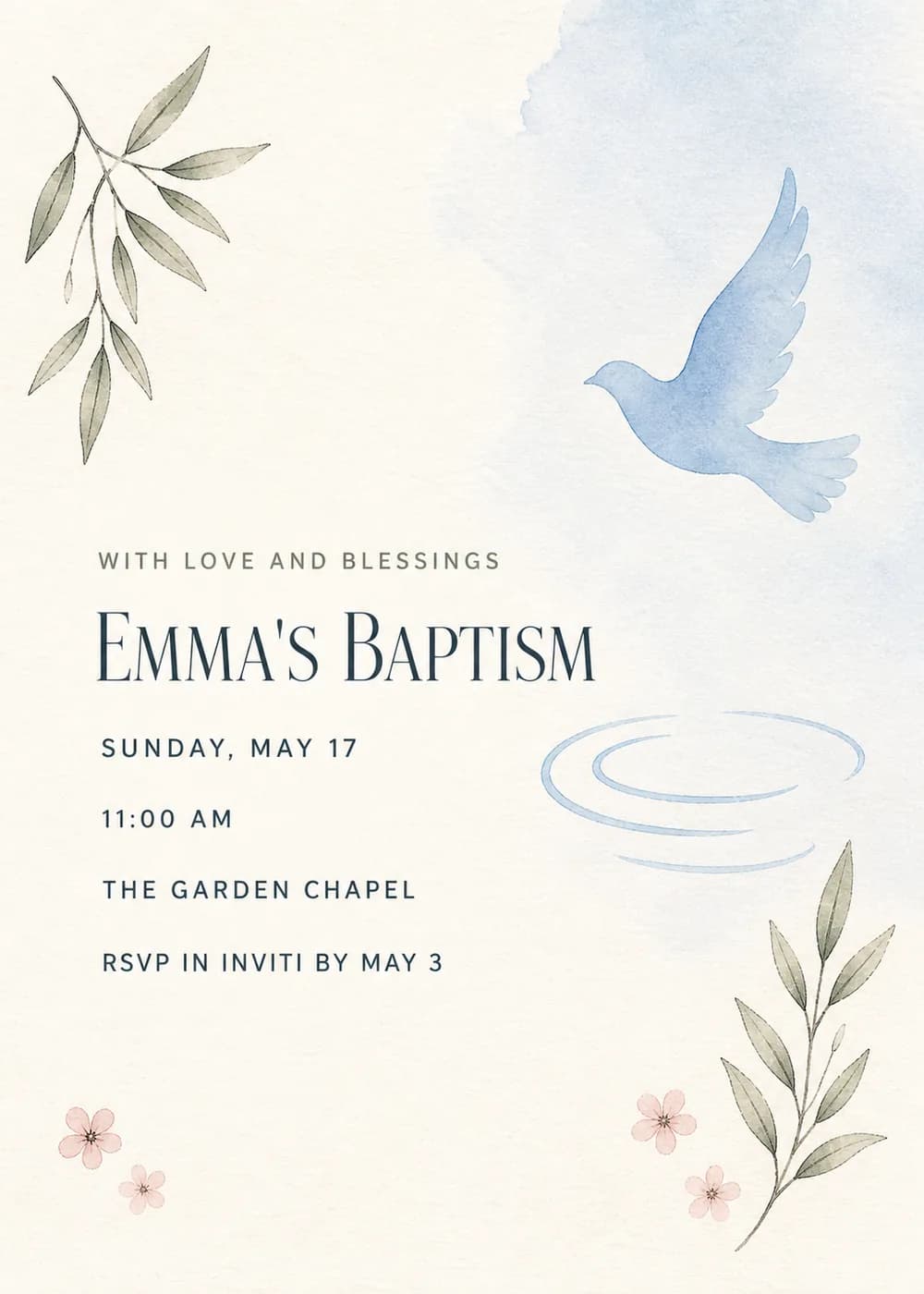
A pale blue dove in flight and a few soft blue water ripples are balanced by delicate sage olive sprigs and tiny blush blossoms, all arranged around a generous stretch of open ivory that leaves room for the wording.
It is painted in light, airy watercolor on soft ivory, with the color kept muted and sparse. The dove and the water, two familiar baptism symbols, are what you notice first, and the leaves and blossoms add warmth without crowding them.
The wording opens with “With love and blessings” in open-spaced sage capitals. The title, “Emma's Baptism” on the sample, is an elegant dark blue serif in upper and lower case, and the date, time, place and RSVP line follow in a simple blue sans-serif.
With love and blessings
Noah's Baptism
Sunday, April 26 · 10:30 AM
Riverside Chapel
Please join us for the christening of
Grace Elizabeth
Sunday, June 14 · 11 AM
Lunch to follow at our home
Theo is being baptized
Sunday, September 13 · 10 AM
Brunch afterward at The Garden Room
Every piece below was made in this design with Inviti. Matching pieces are a Pro feature, and each one you request is a separate generation, so yours will follow this direction without being pixel-identical.


It will follow this design's direction: a pale blue dove in flight, soft water ripples, sage olive sprigs and tiny blush flowers on airy ivory watercolor. Because Inviti generates each invitation with AI from your details, the arrangement and lettering can differ from this sample.
Yes. Change the title to “Christening” or “Dedication” when you add your details; the soft dove-and-watercolor look suits both.
No. Nothing in the artwork shows a baby, so it works just as well for an older child's, a teen's or an adult's baptism. Use the person's name in the title.
Yes. The invitation is designed at 5×7 inches, and the app's print preparation can lay out copies on A4 or US Letter with crop marks. For the sharpest print, generate at full resolution rather than the introductory 1K size.
With Pro you can request matching pieces such as a welcome sign, a guest book sign, food labels, water bottle labels, letter banner flags with a photo opening and thank-you tags. Each piece is a separate generation; the full sample set is shown below.

New subscribers start with an introductory week or month that includes five designs; plans and one-time packs show Apple-localized prices in the app.