
The next chapter
The next chapter
Celebrating Linda
Retirement party · Friday, June 5 · 6 PM
The Boathouse
A golden sun going down over a blue paper horizon, with luggage tags close by — a cut-paper poster for the start of retirement.
Make yours in the Inviti AI app for iPhone.

Point your iPhone camera at the code, then tap the link to open Inviti AI in the App Store.
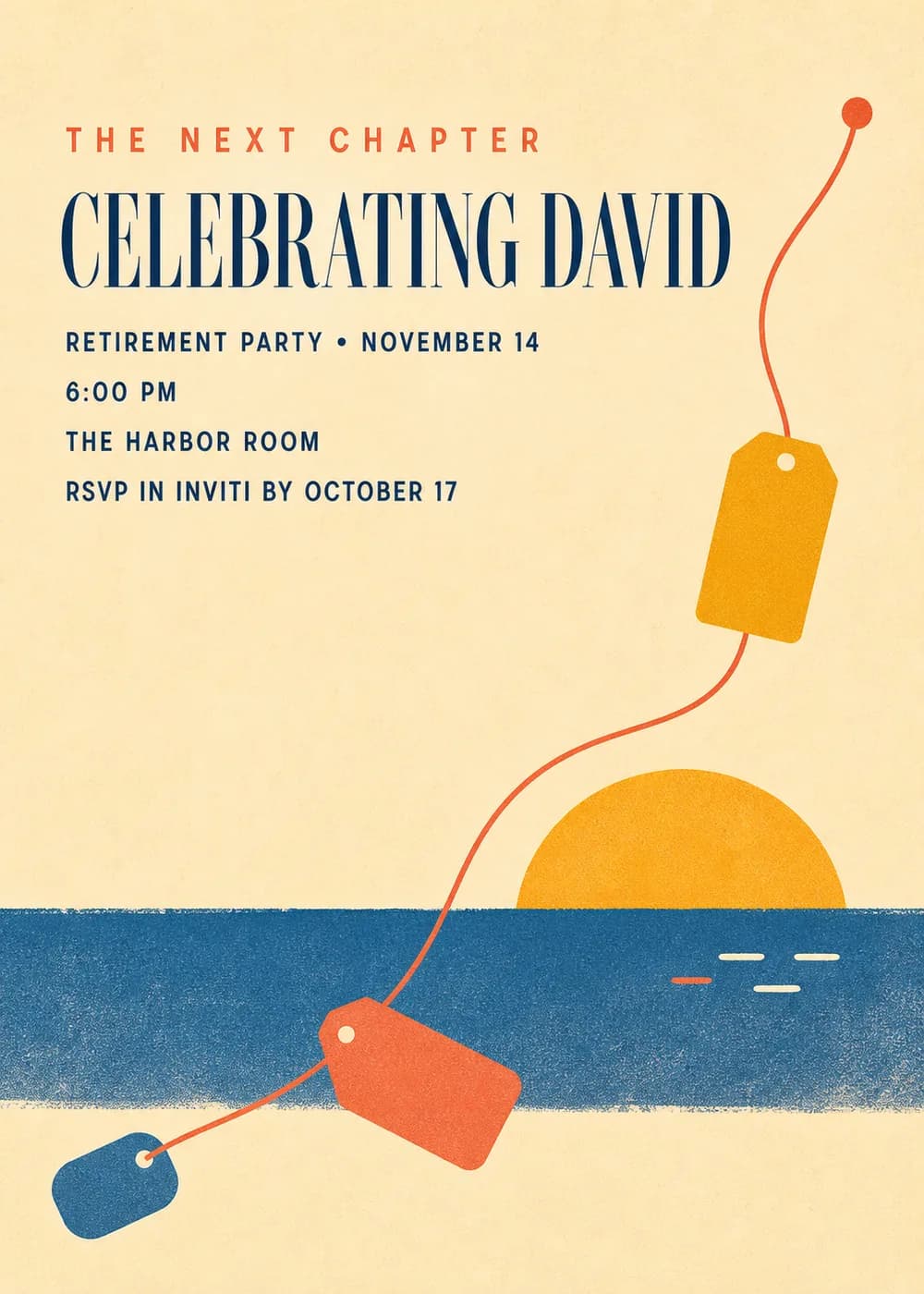
The words come first on this card. “The Next Chapter” is set in small, widely spaced coral capitals, and “Celebrating David” stands in a tall, condensed navy serif, so the retiree's name reads like the headline of a poster. The party details follow in compact navy sans-serif capitals.
Below the type, a golden sun sinks toward a textured band of blue torn paper that forms the horizon. Three luggage tags in red, orange and blue are connected with a red string, a quiet hint at trips, plans and the time that opens up after the last working day.
It is made in the manner of a mid-century editorial cut-paper poster: flat paper shapes, visible texture and warm cream and butter tones with coral below. There are no people and no photo in the artwork, which keeps it celebratory and easy to use for anyone, from a parent leaving the classroom to a colleague closing out a long career.
The next chapter
Celebrating Linda
Retirement party · Friday, June 5 · 6 PM
The Boathouse
Join us in wishing Carol well
After 28 years with the finance team
Retirement lunch · Thursday, March 12 · Noon
Conference Room B
Bags packed, alarm clock retired
A retirement party for Robert
Saturday, April 18 · 6:30 PM
The Pier House
Every piece below was made in this design with Inviti. Matching pieces are a Pro feature, and each one you request is a separate generation, so yours will follow this direction without being pixel-identical.


It will follow this design's direction: a coral “The Next Chapter” heading, a tall navy name, a golden setting sun over a blue paper horizon and connected luggage tags. Because Inviti generates each invitation with AI from your details, the arrangement and lettering can differ from this sample.
No. Ask for a different line, such as “Happy retirement” or “Officially off the clock”, when you create it. The result is a new AI generation, so the sun, horizon and tags may sit a little differently around your words.
Yes. The artwork has no people and nothing tied to a particular job, so it works for a coworker's send-off as well as a family celebration. Change the event line to “Retirement lunch” or “Farewell reception” and add the room or restaurant.
Yes. The invitation is designed at 5×7 inches, and the app's print preparation can lay out copies on A4 or US Letter with crop marks, which is useful for a stack at the front desk or in the staff room. For the sharpest print, generate at full resolution rather than the introductory 1K size.
With Pro you can request matching pieces such as a large milestone sign with the retiree's name and party date, a photo banner flag, a welcome sign, food labels, thank-you cards and a wishes sign where guests leave notes for the next chapter. Food labels show the dish names you give them; checking ingredients and allergens is up to you. Each piece is a separate generation; the full sample set is shown below.

New subscribers start with an introductory week or month that includes five designs; plans and one-time packs show Apple-localized prices in the app.