
Celebration
Light • Love • Together
Diwali celebration
Saturday, November 6 · 7 PM
The Jewel Courtyard
Marigolds, glowing diyas and jewel tones — a bright, festive invitation for a Diwali celebration with family and friends.
Make yours in the Inviti app for iPhone.
 On a computer? Scan with your iPhone camera to get the app.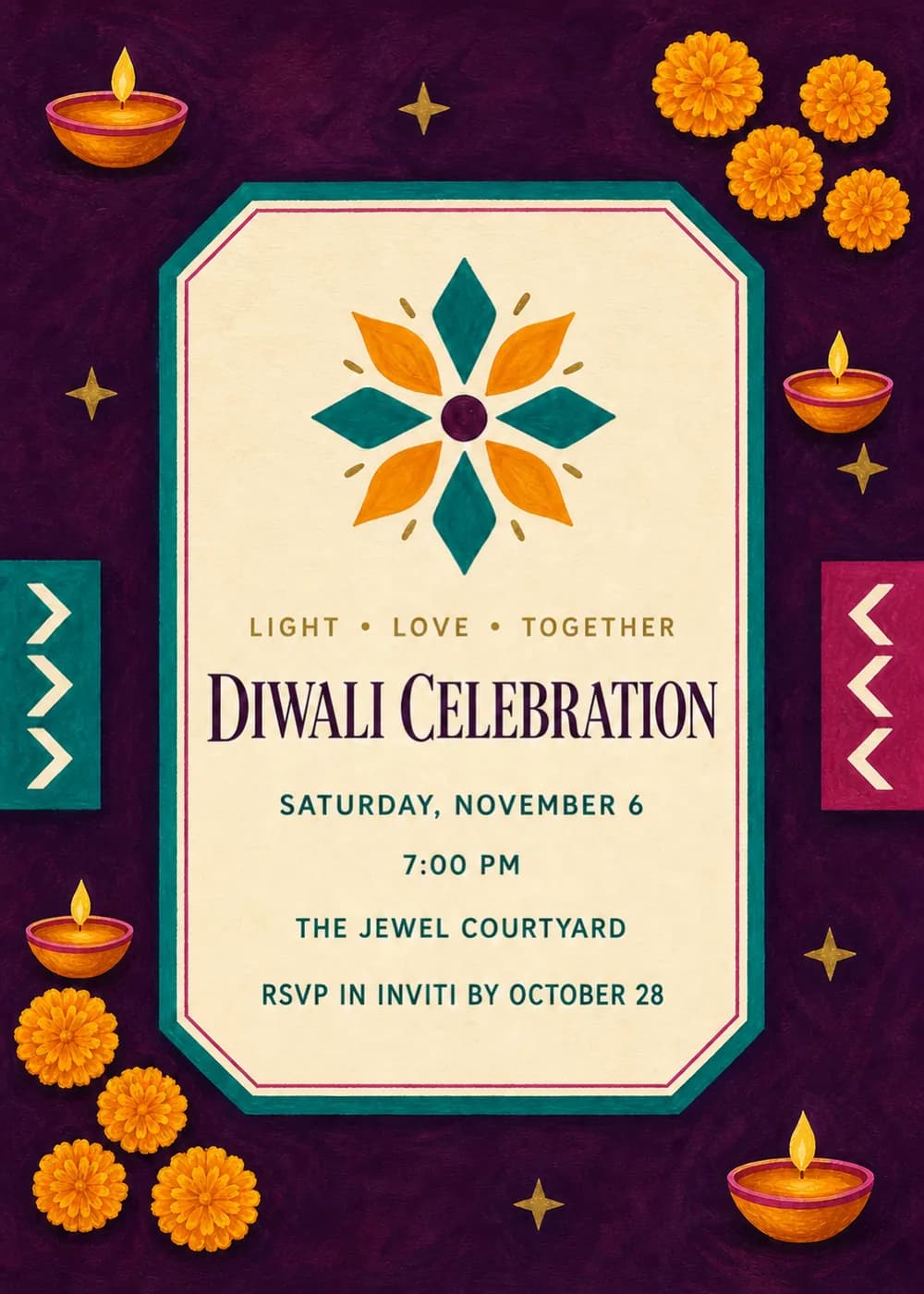
A cream panel with clipped corners sits in the middle of a deep aubergine card, outlined in teal and magenta. At its top is a geometric flower in saffron and teal, and around the panel are bright orange marigolds, small glowing diya lamps and little gold stars, with teal and magenta chevron ornaments at the sides.
It is styled like textured festival stationery, with flat geometric florals and a warm glow from the lamps, rich and celebratory without being cluttered.
“Diwali Celebration” is set in a dark plum serif under a small gold “Light • Love • Together” line, and the details sit below in bold teal capitals.
Light • Love • Together
Diwali celebration
Saturday, November 6 · 7 PM
The Jewel Courtyard
Join us for Diwali dinner
Lights, sweets and good company
Saturday, November 6 · 7 PM
Happy Diwali
Celebrate with us
Saturday, November 6 · 7 PM
Every piece below was made in this design with Inviti. Matching pieces are a Pro feature, and each one you request is a separate generation, so yours will follow this direction without being pixel-identical.


It will follow this design's direction: marigolds, diyas, gold stars and a geometric flower on aubergine. Because Inviti generates each invitation with AI from your details, the arrangement and lettering can differ from this sample.
Yes. Add the puja time, dinner time or a note like “festive attire” to the details when you personalize it.
Yes. The invitation is designed at 5×7 inches, and the app's print preparation can lay out copies on A4 or US Letter with crop marks. For the sharpest print, generate at full resolution rather than the introductory 1K size.
With Pro you can request matching pieces such as a celebration menu, food labels, a welcome sign, a photo corner sign, thank-you tags, bottle labels and a cake topper. Each piece is a separate generation; the full sample set is shown below.
No. Inviti creates the artwork files. Printing and any physical decorations are up to you.

New subscribers start with an introductory week or month that includes five designs; plans and one-time packs show Apple-localized prices in the app.