
Doors open
Doors are open
Grand opening
Saturday, September 26 · 11 AM
The Corner Studio
Spotlights, open doors and a red ribbon — a bold, poster-style invitation for a grand opening.
Make yours in the Inviti AI app for iPhone.

Point your iPhone camera at the code, then tap the link to open Inviti AI in the App Store.
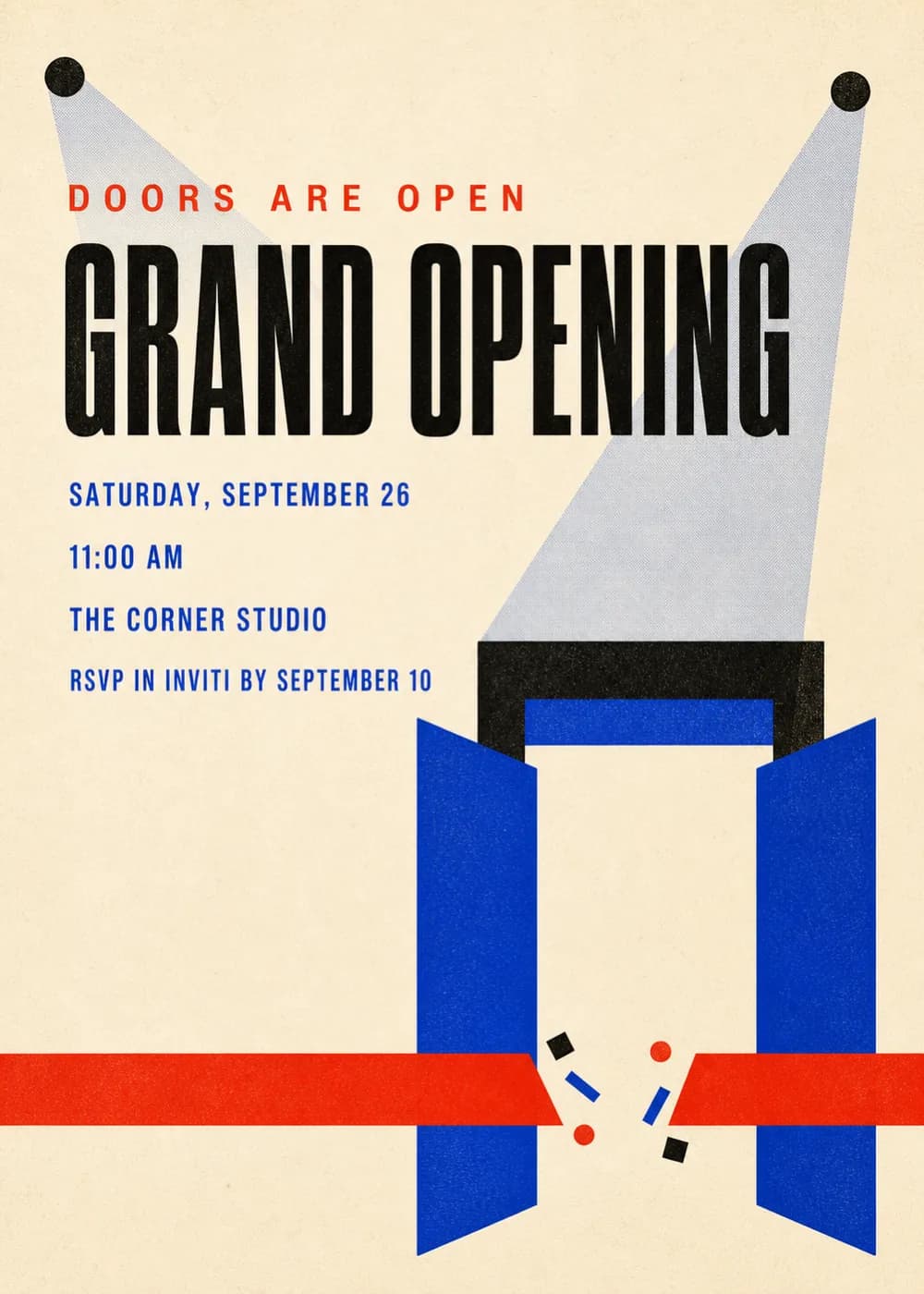
“Grand Opening” fills the top of the card in huge black condensed letters. Two spotlights in the corners cast pale beams down onto a pair of cobalt blue doors swung open, with a red ribbon stretched across them and a few bits of black, red and blue confetti.
It looks like a modern screenprinted poster on warm cream paper, with flat shapes and lots of space. “Doors are open” sits in small red capitals above the headline, and the details are set in blue.
Doors are open
Grand opening
Saturday, September 26 · 11 AM
The Corner Studio
Join us for the ribbon cutting
The Corner Studio
Saturday, September 26 · 11 AM
Now open in a new home
The Corner Studio
Saturday, September 26
Every piece below was made in this design with Inviti. Matching pieces are a Pro feature, and each one you request is a separate generation, so yours will follow this direction without being pixel-identical.


It will follow this design's direction: a huge black headline, spotlights, open blue doors and a red ribbon. Because Inviti generates each invitation with AI from your details, the arrangement and lettering can differ from this sample.
Yes. Change the headline to “Now open”, “New location” or “Celebrating 10 years”.
Yes. The invitation is designed at 5×7 inches, and the app's print preparation can lay out copies on A4 or US Letter with crop marks. For the sharpest print, generate at full resolution rather than the introductory 1K size.
With Pro you can request matching pieces such as a welcome sign, a guest book sign, an opening menu, bottle labels, food labels and thank-you cards. Each piece is a separate generation; the full sample set is shown below.
No. Inviti creates the artwork files. Printing and any physical supplies are up to you.

New subscribers start with an introductory week or month that includes five designs; plans and one-time packs show Apple-localized prices in the app.