
Baby-Q
Join us for a Baby-Q
Baby Parker
Saturday, February 15 · 12 PM
The Maple Yard
A grill, a pitcher of lemonade and a gingham blanket in the sun — a relaxed, co-ed “Baby-Q” invitation.
Make yours in the Inviti AI app for iPhone.

Point your iPhone camera at the code, then tap the link to open Inviti AI in the App Store.
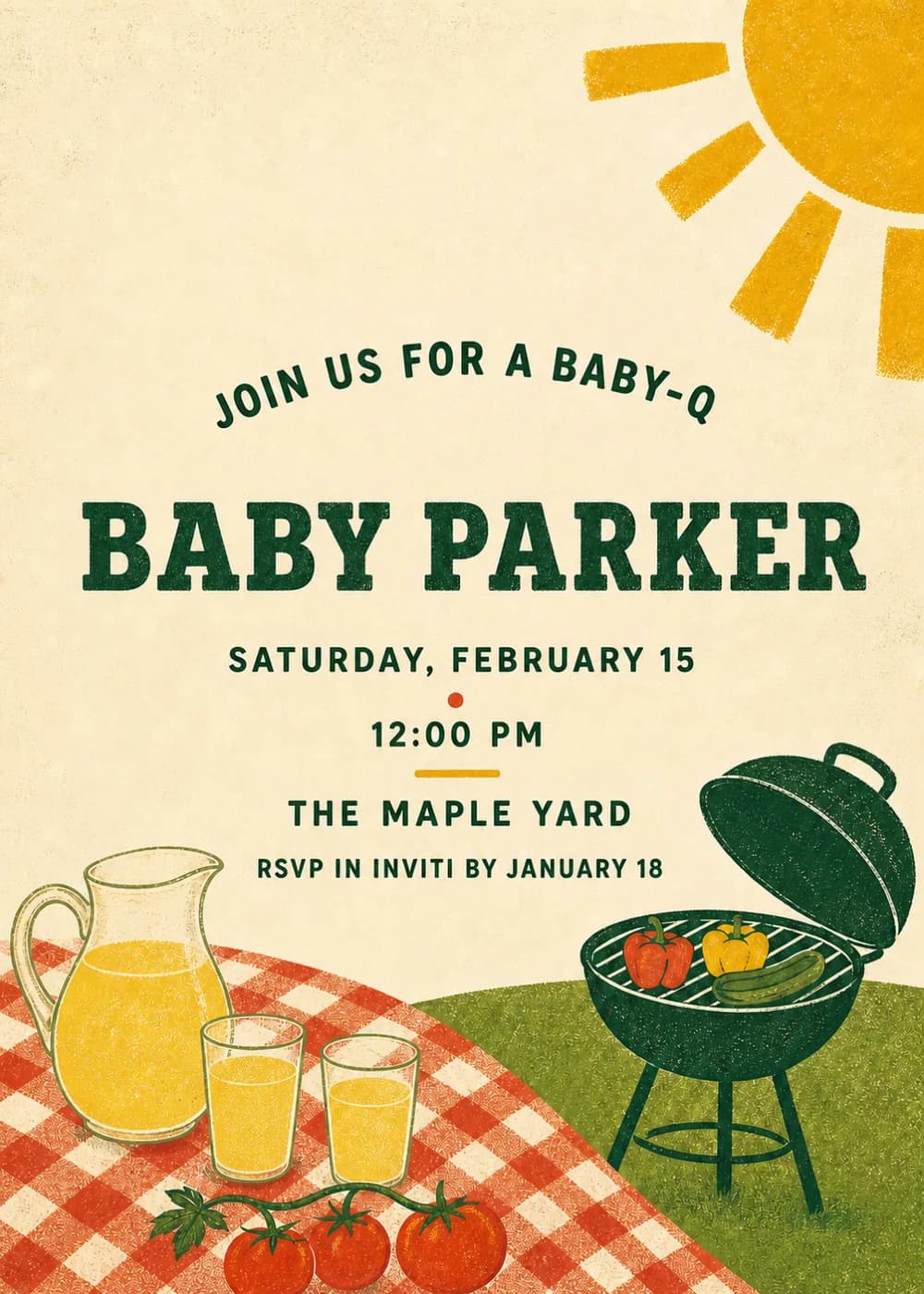
A big yellow sun shines from the top corner over a green lawn and an orange gingham picnic cloth. On it sit a pitcher of lemonade with glasses, cherry tomatoes on the vine and a dark green kettle grill with peppers and zucchini on top.
It is styled like a textured retro poster with bold, chunky dark green lettering: “Join us for a Baby-Q” arcs above the baby's name. Casual and fun, perfect for a mixed crowd.
Join us for a Baby-Q
Baby Parker
Saturday, February 15 · 12 PM
The Maple Yard
A baby is on the grill!
BBQ and baby shower for Alex & Sam
Saturday, February 15 · 12 PM
Baby Parker's Baby-Q
Saturday, February 15 · 12 PM
Every piece below was made in this design with Inviti. Matching pieces are a Pro feature, and each one you request is a separate generation, so yours will follow this direction without being pixel-identical.


It will follow this design's direction: a green grill, lemonade, tomatoes, orange gingham and a big sun. Because Inviti generates each invitation with AI from your details, the arrangement and lettering can differ from this sample.
Yes. The backyard BBQ theme is made for mixed crowds and couples' showers.
Yes. The invitation is designed at 5×7 inches, and the app's print preparation can lay out copies on A4 or US Letter with crop marks. For the sharpest print, generate at full resolution rather than the introductory 1K size.
With Pro you can request matching pieces such as a welcome sign, a Baby-Q menu, food labels, bottle labels, thank-you tags and a cake topper. Each piece is a separate generation; the full sample set is shown below.
No. Inviti creates the artwork files. Printing and any physical supplies are up to you.

New subscribers start with an introductory week or month that includes five designs; plans and one-time packs show Apple-localized prices in the app.